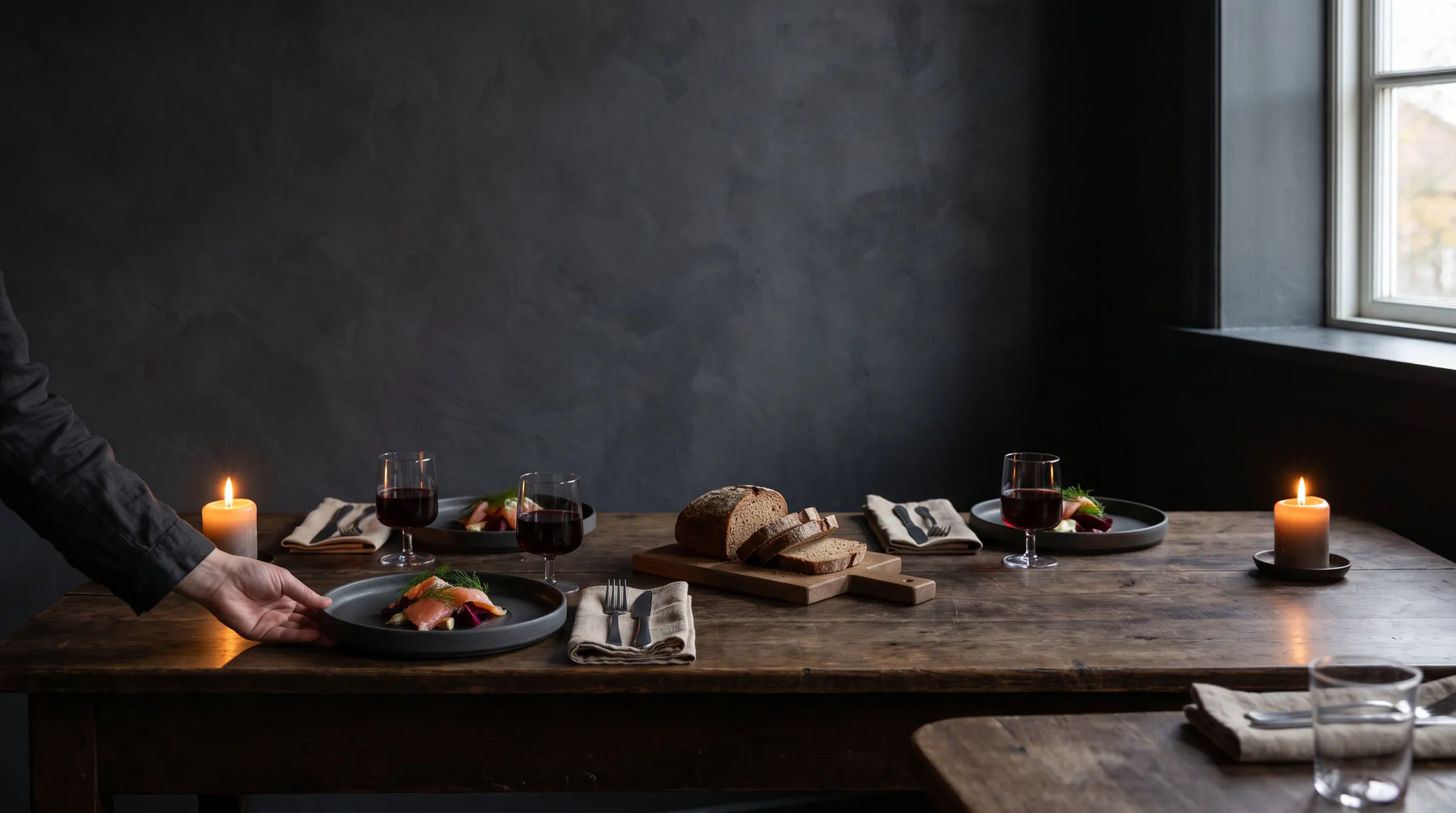
All showcasesRestaurant
A website that sets the table before guests arrive
A restaurant website that makes a reservation in three taps, shows the menu as it is tonight, and looks like the room.
Start a rebuild like this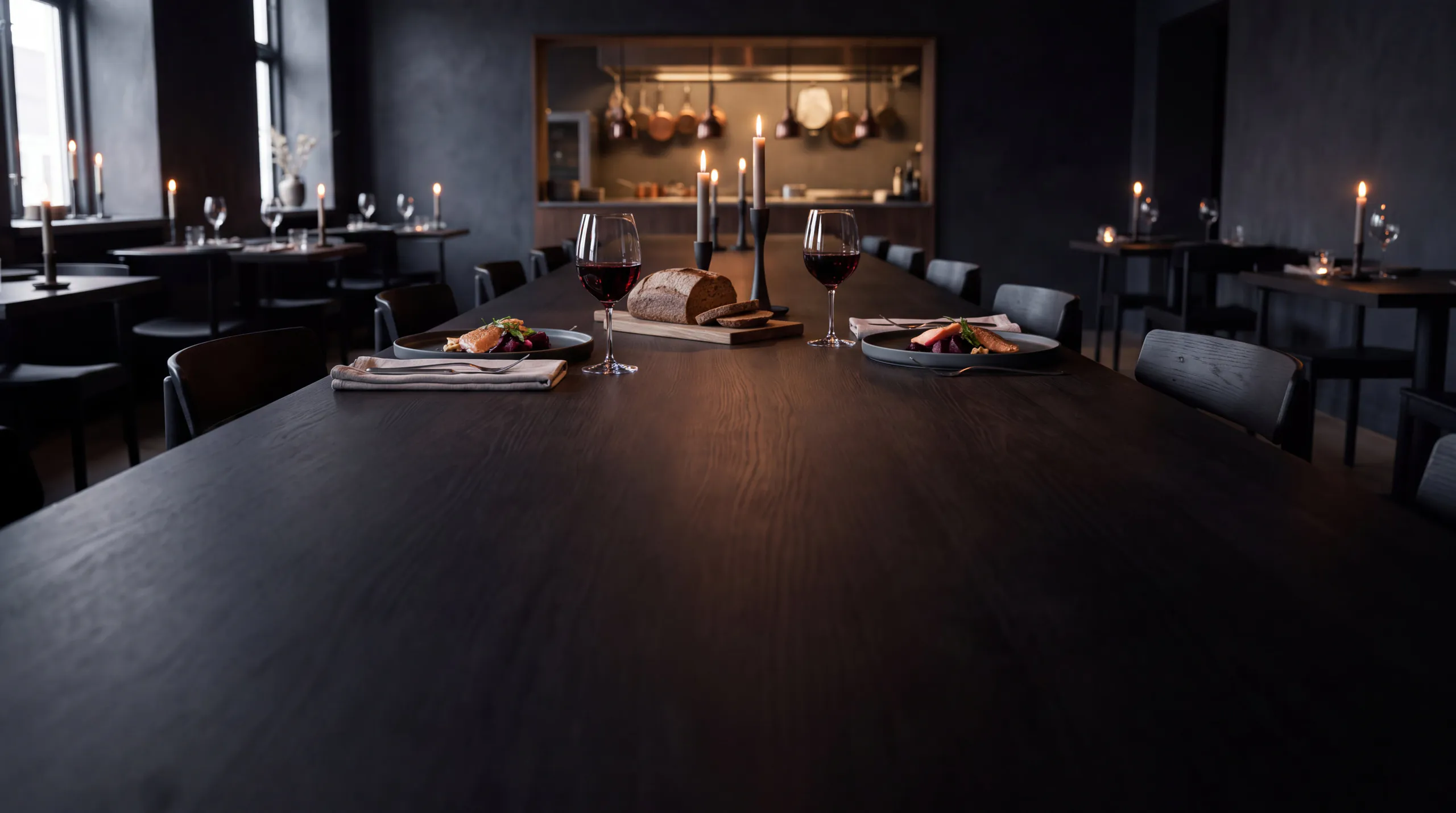
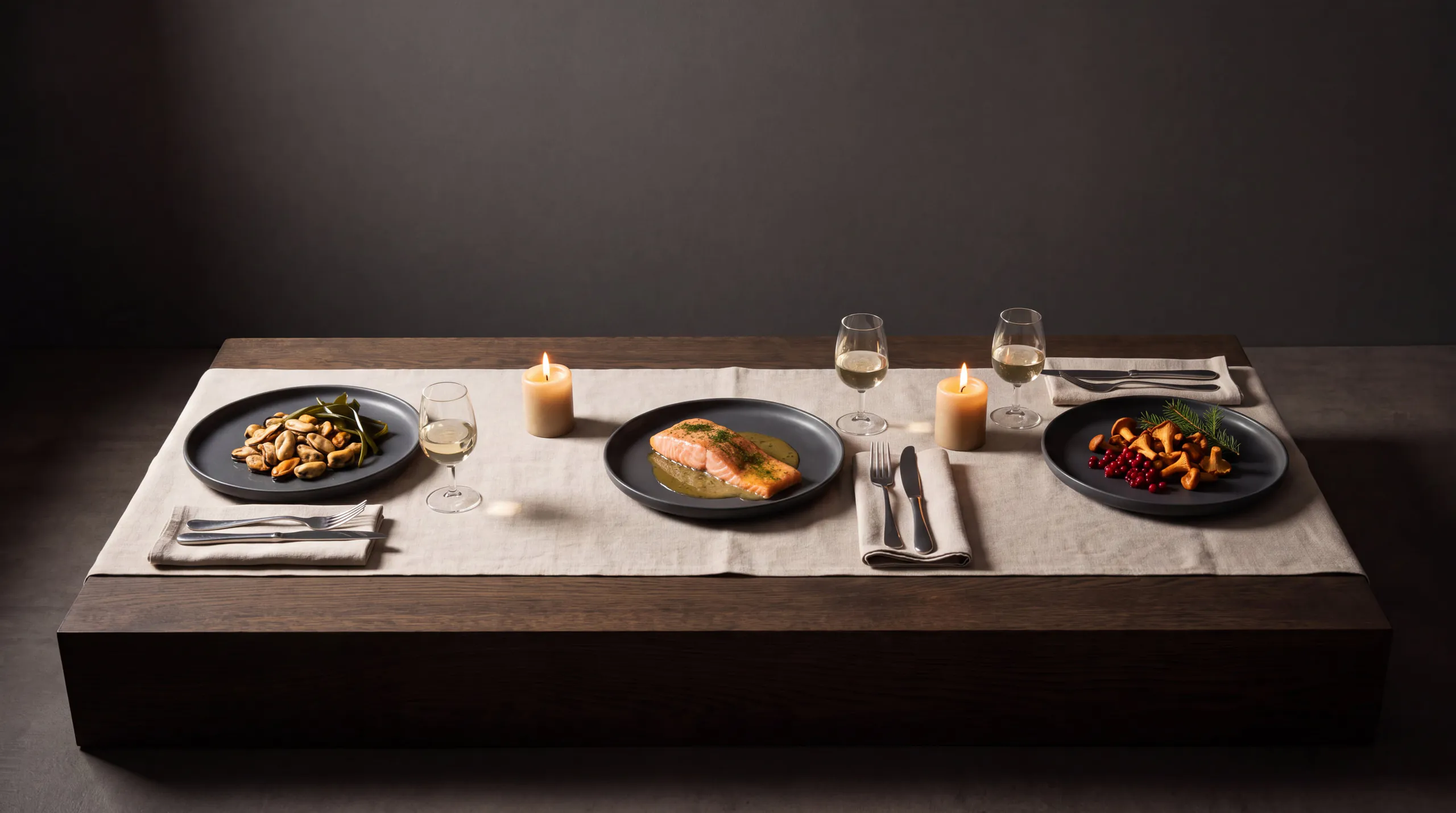
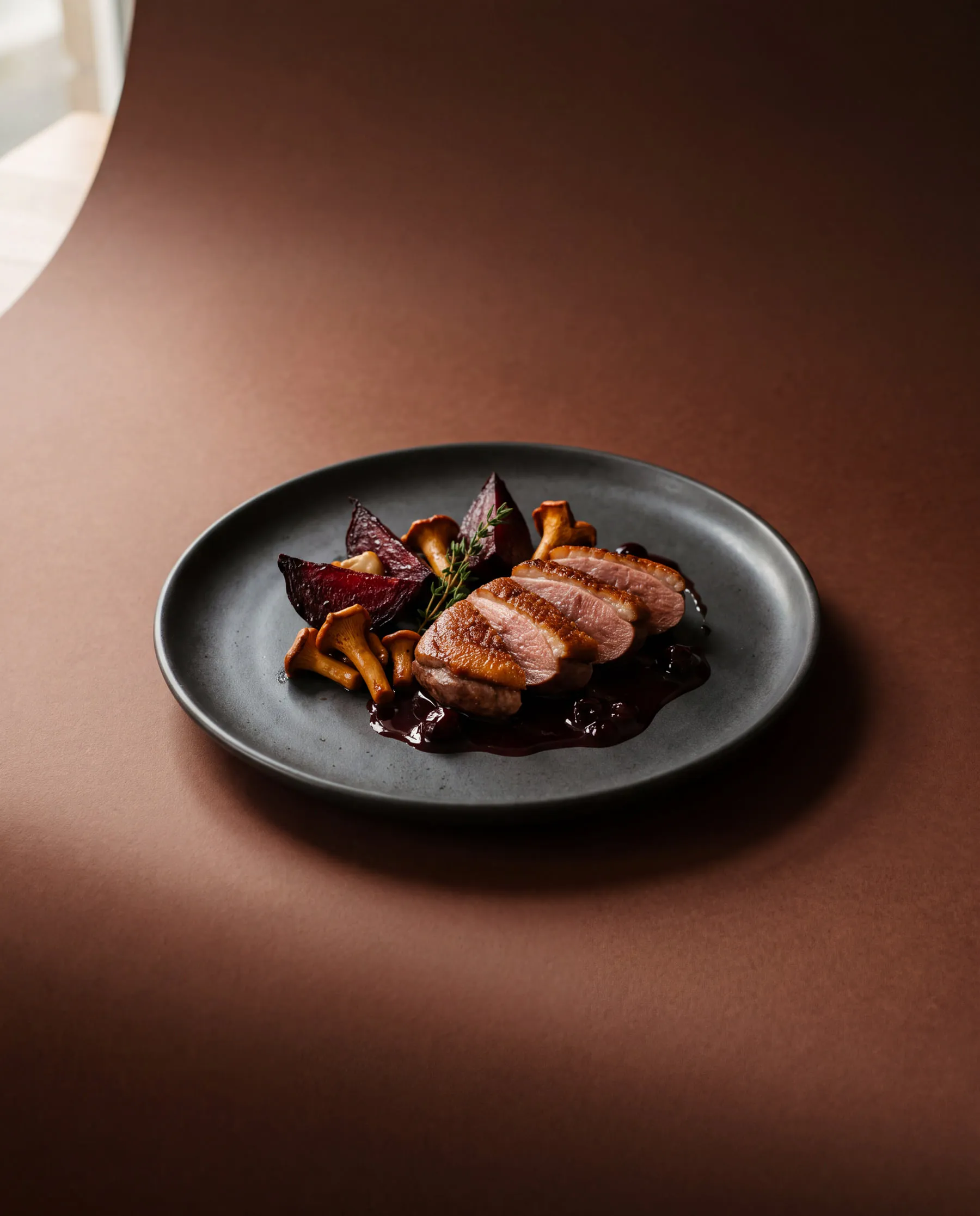
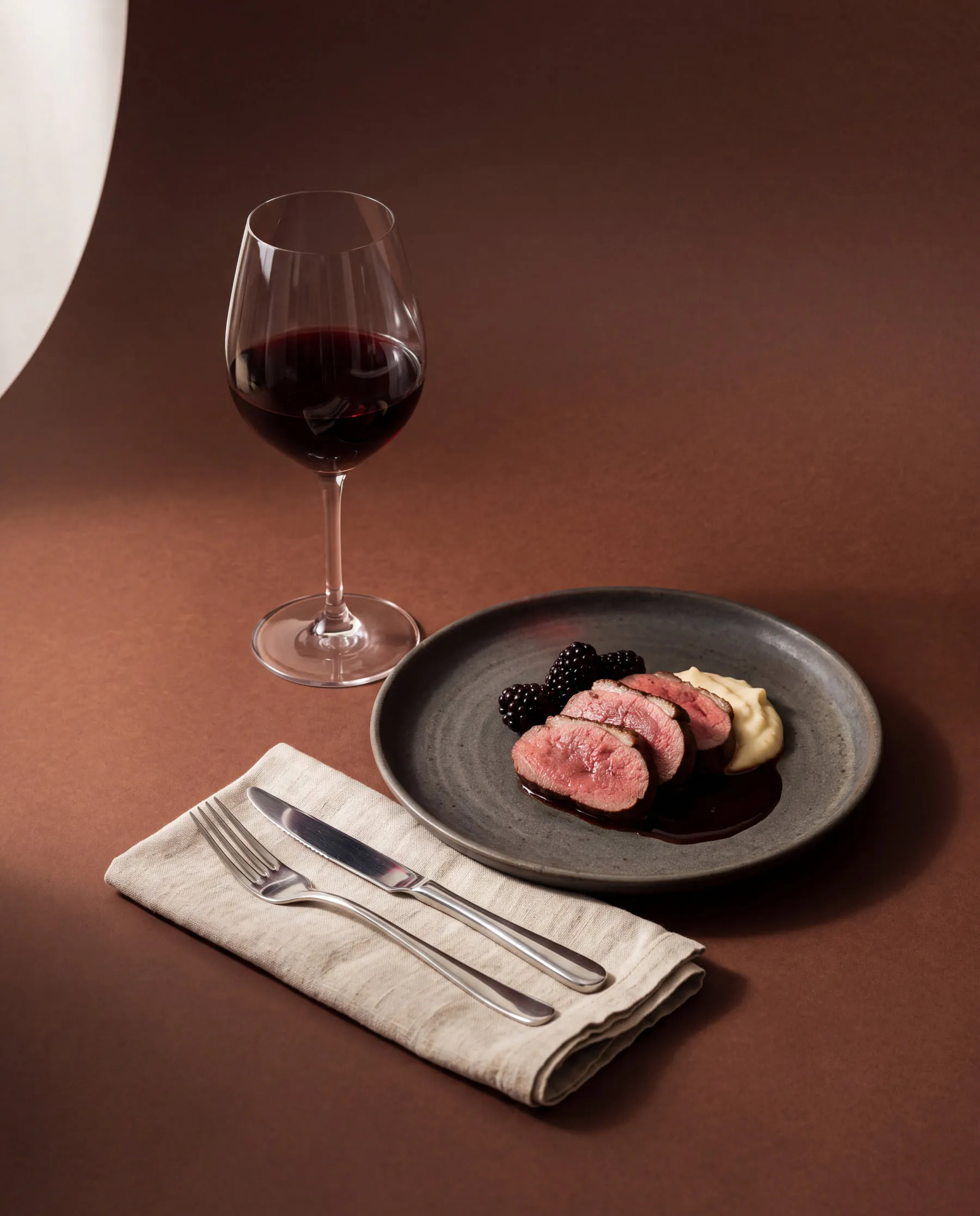
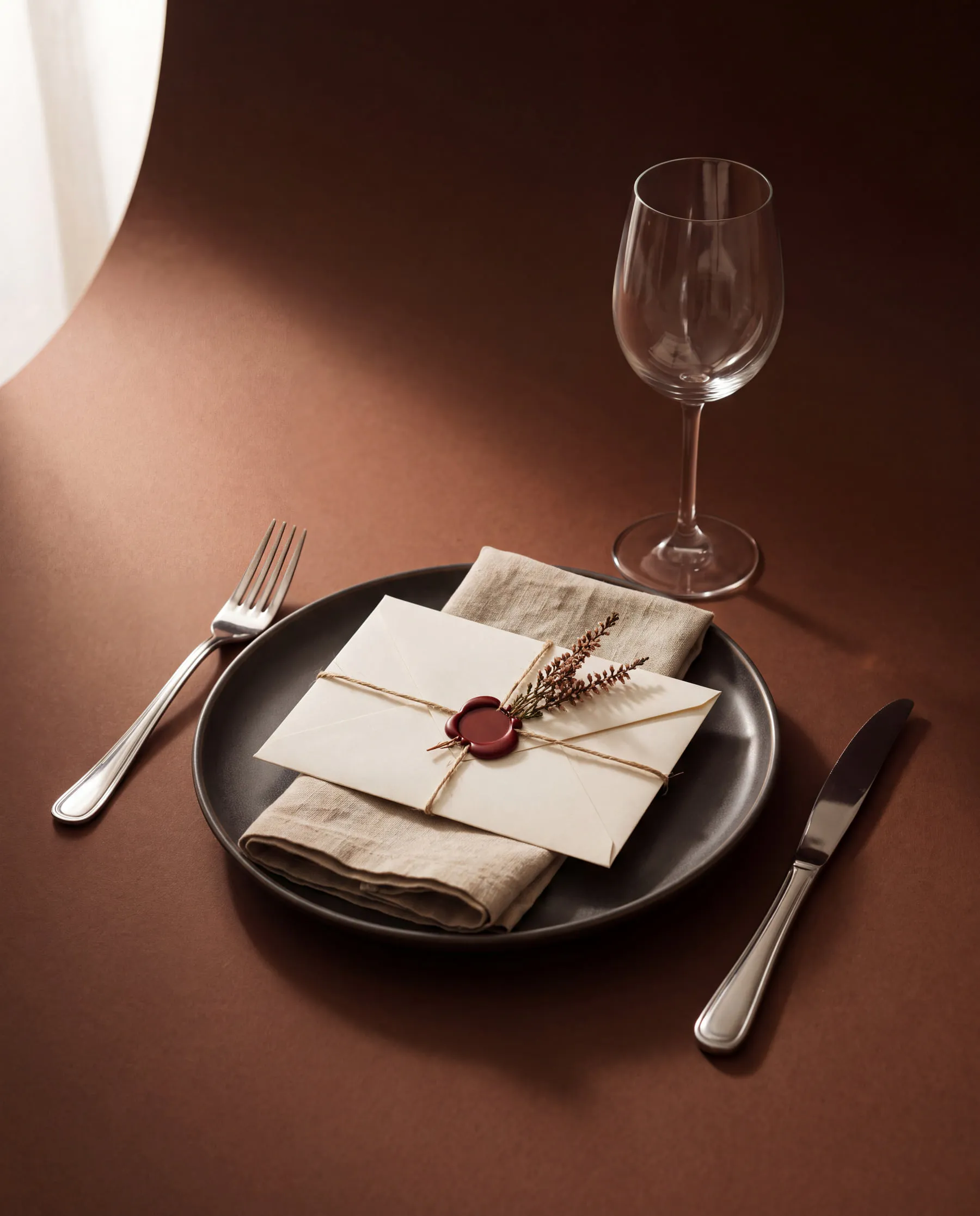
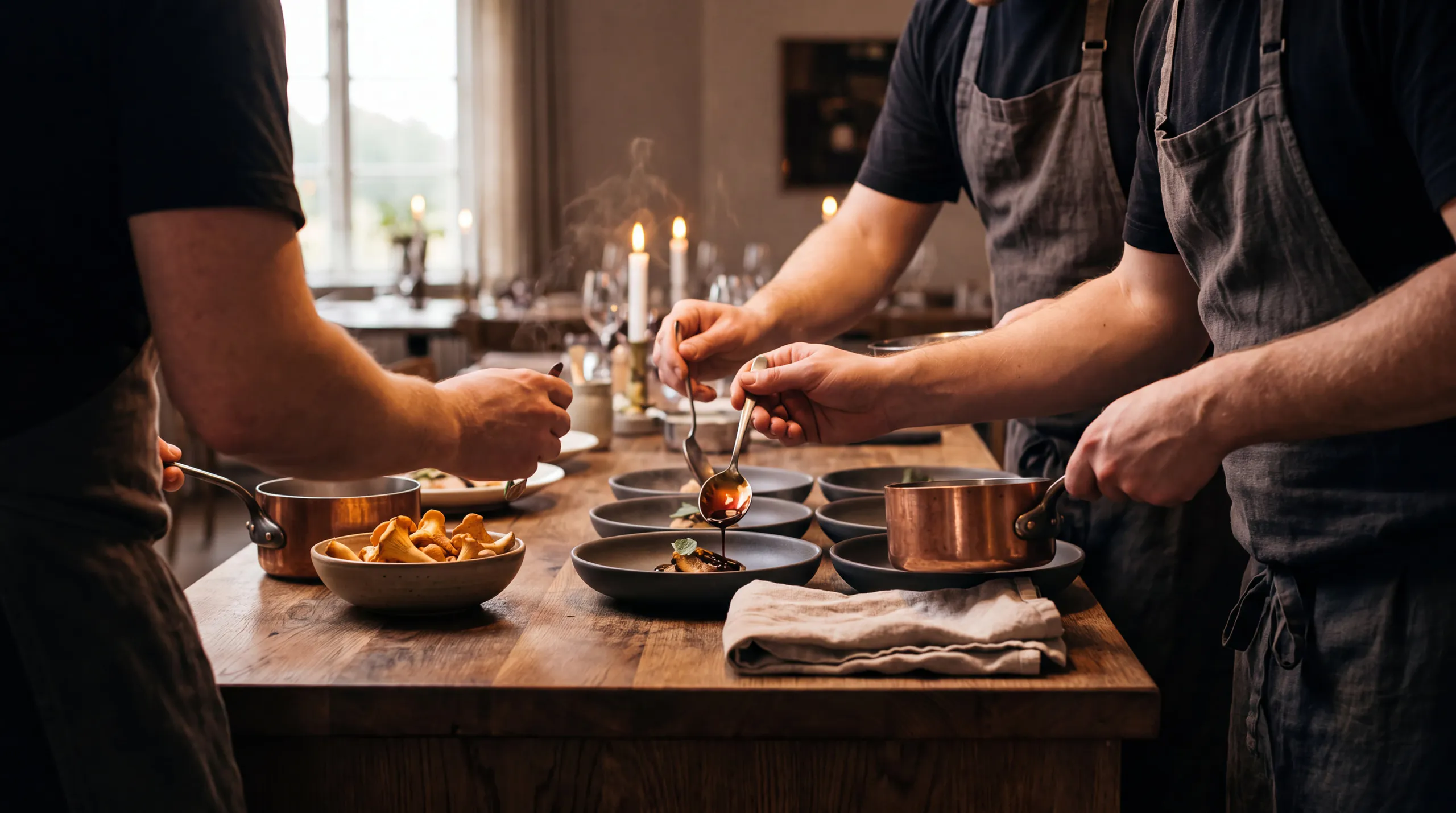
The rebuilt website, screen by screen. Noord: A seasonal Nordic kitchen in a room of smoked oak. Coast & forest: Seven courses, decided each week by what the coast and the forest bring in. This autumn that means smoked trout, chanterelles and beetroot baked slowly in hay. Autumn at Noord: Seven-course menu, €95 per guest; Wine pairing, €65 · five glasses; Dinner voucher, From €50. Every course is finished by hand, a minute before it is served.
The transformation
From a phone number to a booked table
The old site sent guests to a PDF and a phone that rang during service. The rebuilt one takes the reservation, shows tonight's menu and looks like the room.
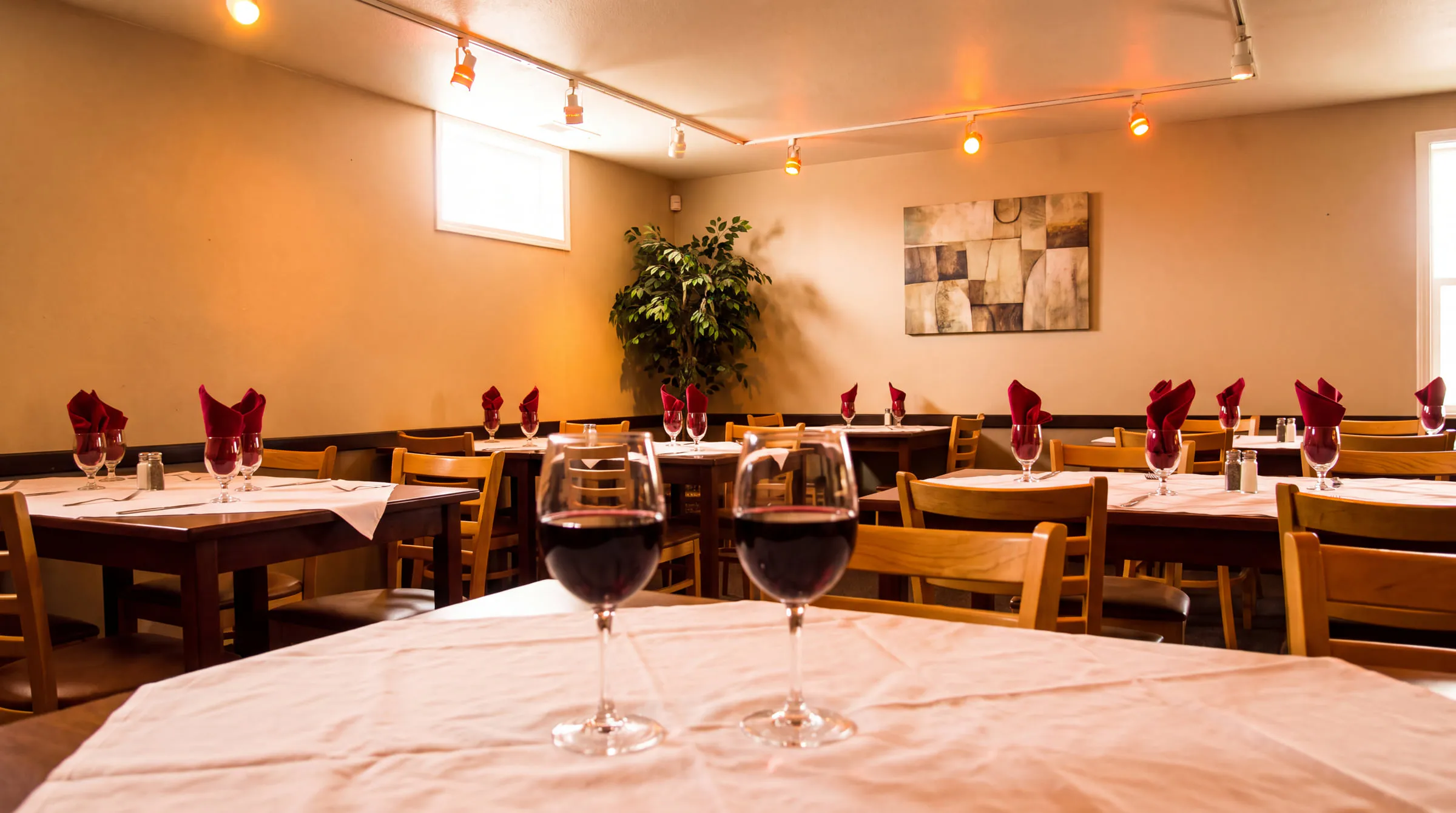
As found: RESTAURANT NOORD, "Welcome to Restaurant Noord", NOW ALSO OPEN FOR LUNCH ON SUNDAYS!. Rebuilt: Noord, "A seasonal Nordic kitchen in a room of smoked oak".
- 01
The reservation on the first screen
Date, guests and open times up front, with your reservation system behind them rather than in a pop-up.
- 02
Tonight's menu as text
The PDF becomes a menu the kitchen edits in minutes, readable on a phone and indexed by search.
- 03
The room in the photography
Commissioned photography of the dishes, the oak and the open kitchen replaces stock images of wine glasses.
What's inside
Everything a guest needs to book the table
Four systems rebuilt together, so reserving is the easiest thing on the page.
Designed for deciding on a phone
Guests choose where to eat on a phone, often an hour before. Menu, times and the reserve button sit under a thumb.
An identity taken from the room
Smoked oak, stoneware, linen and candlelight become a quiet wordmark, a dark palette and a photography style the menu shares.
Reserving without calling
Your reservation system sits behind a fast first screen, so a guest confirms a table in three taps and the phone stays quiet during service.
Found when someone nearby decides
Hours, address, menu and reservations as structured data, so Noord appears with the right details when a guest searches close by.
How it happens
- 01See clearly.Two to three weeks
- 02Think strategically.Three to four weeks
- 03Build intelligently.Eight to fourteen weeks
- 04Launch confidently.One to two weeks
- 05Grow continuously.Ongoing
Questions
Questions we hear
We change the menu every week.
Good. The menu is structured content you edit yourself; the design stays consistent whatever you add.
Which reservation systems do you support?
Any with an embed or an API. We put it behind a faster first screen rather than replacing it.
Can it handle several locations?
Yes, each with its own page, hours, menu and structured data, under one brand.
Start a rebuild like this
Tell us which kind of business you are, and where it is going. We reply within one working day.
The businesses in the showcase are invented; the rebuild described is the one we would run for a real company of this kind.
More showcases
- Healthcare practice
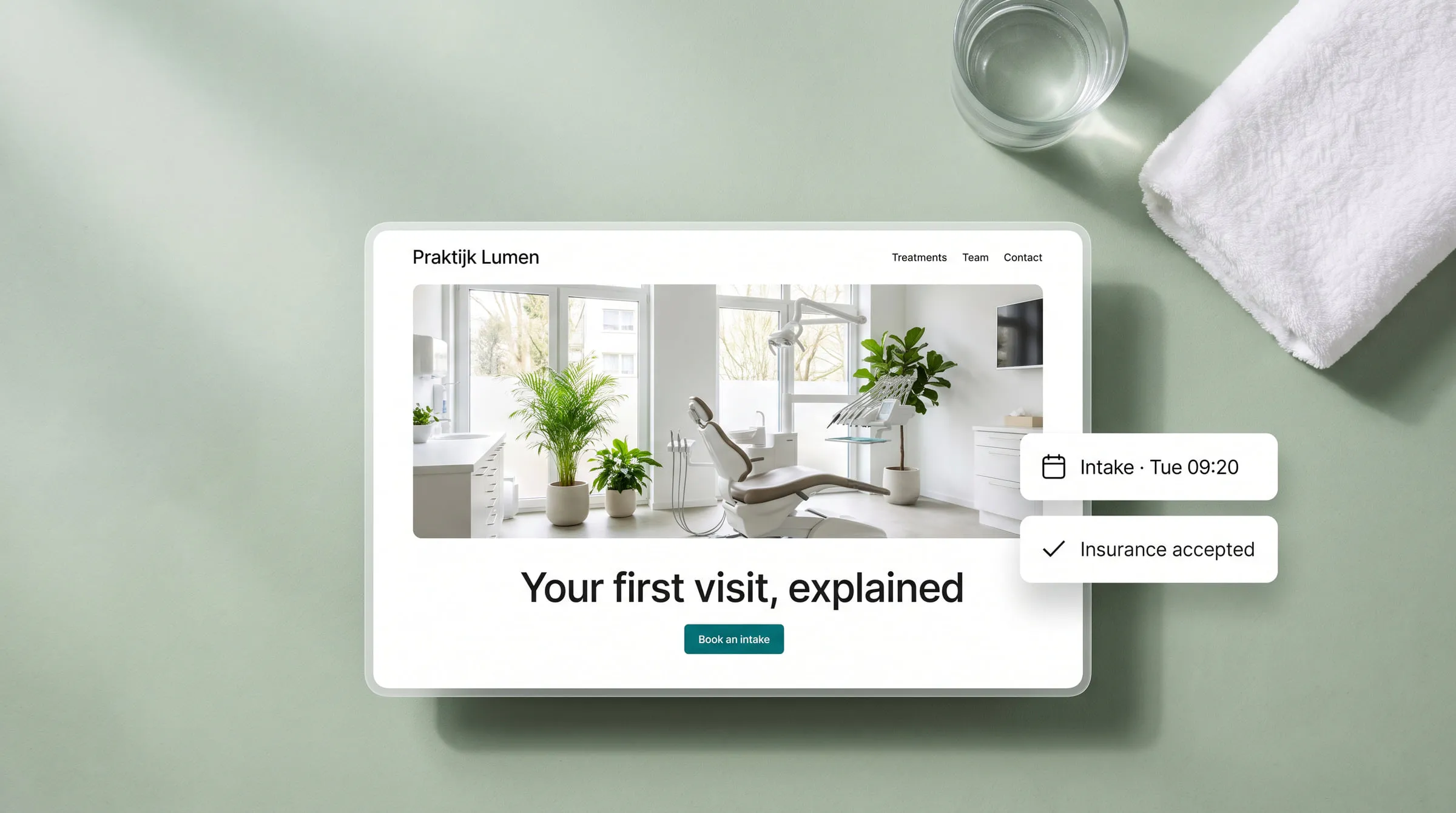
Put patients at ease
Great for: Dental & orthodontic practices · Physiotherapy · Clinics & specialists - B2B software
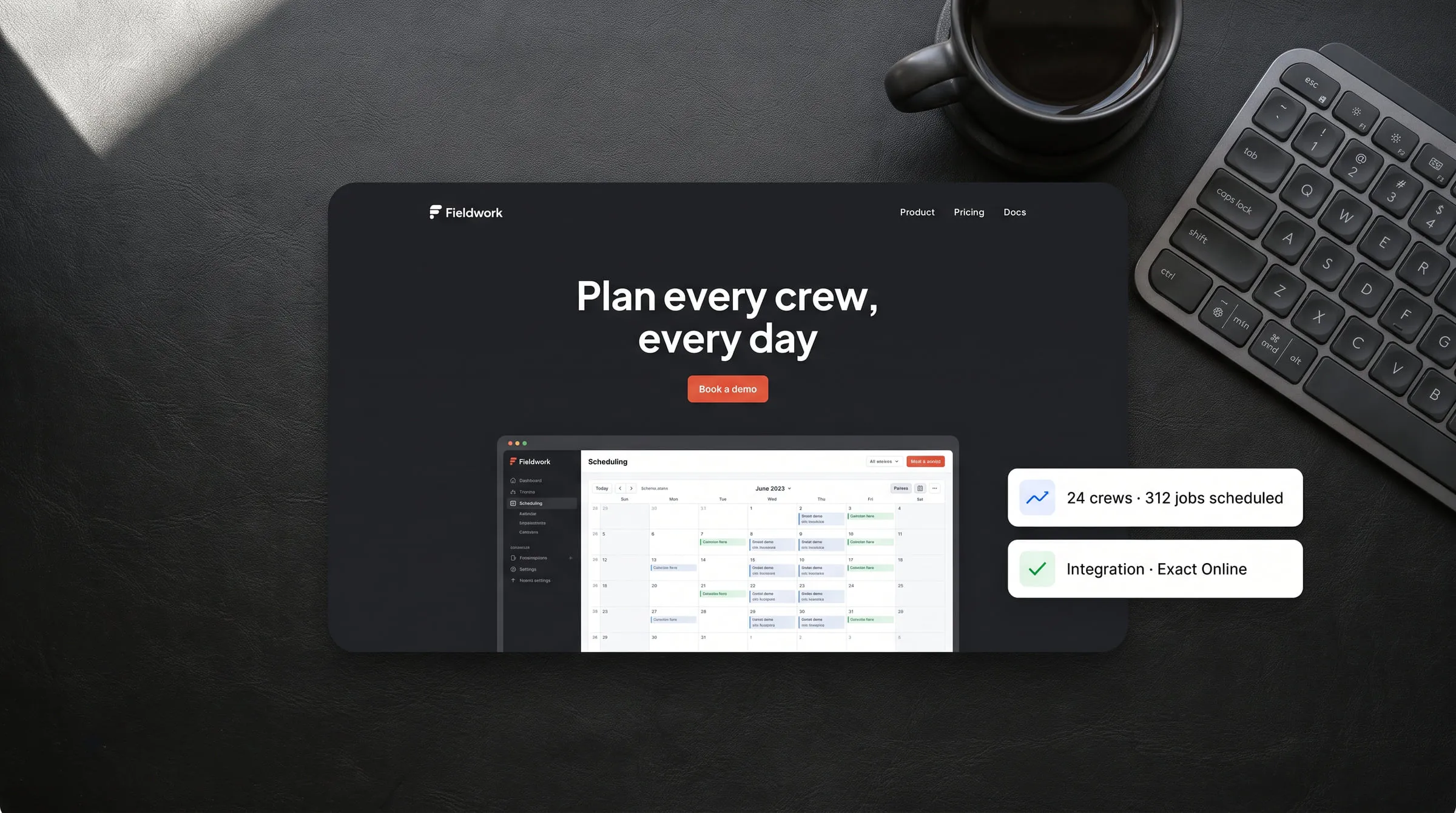
Explain the product
Great for: SaaS & B2B software · Platforms & tools · Scale-ups - Architecture & property
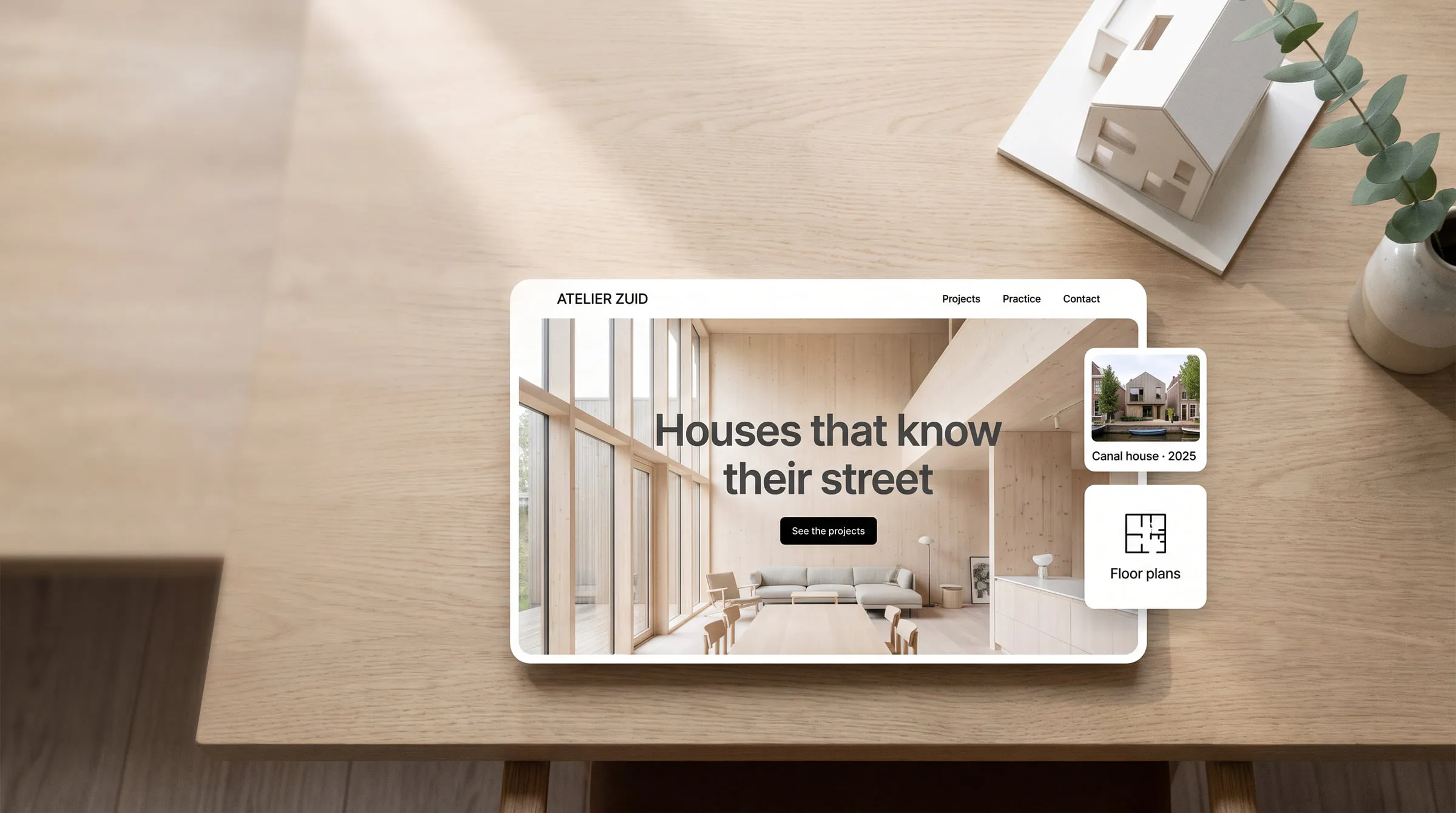
Show the space
Great for: Architects · Interior practices · Developers & estate agents - Creative studio
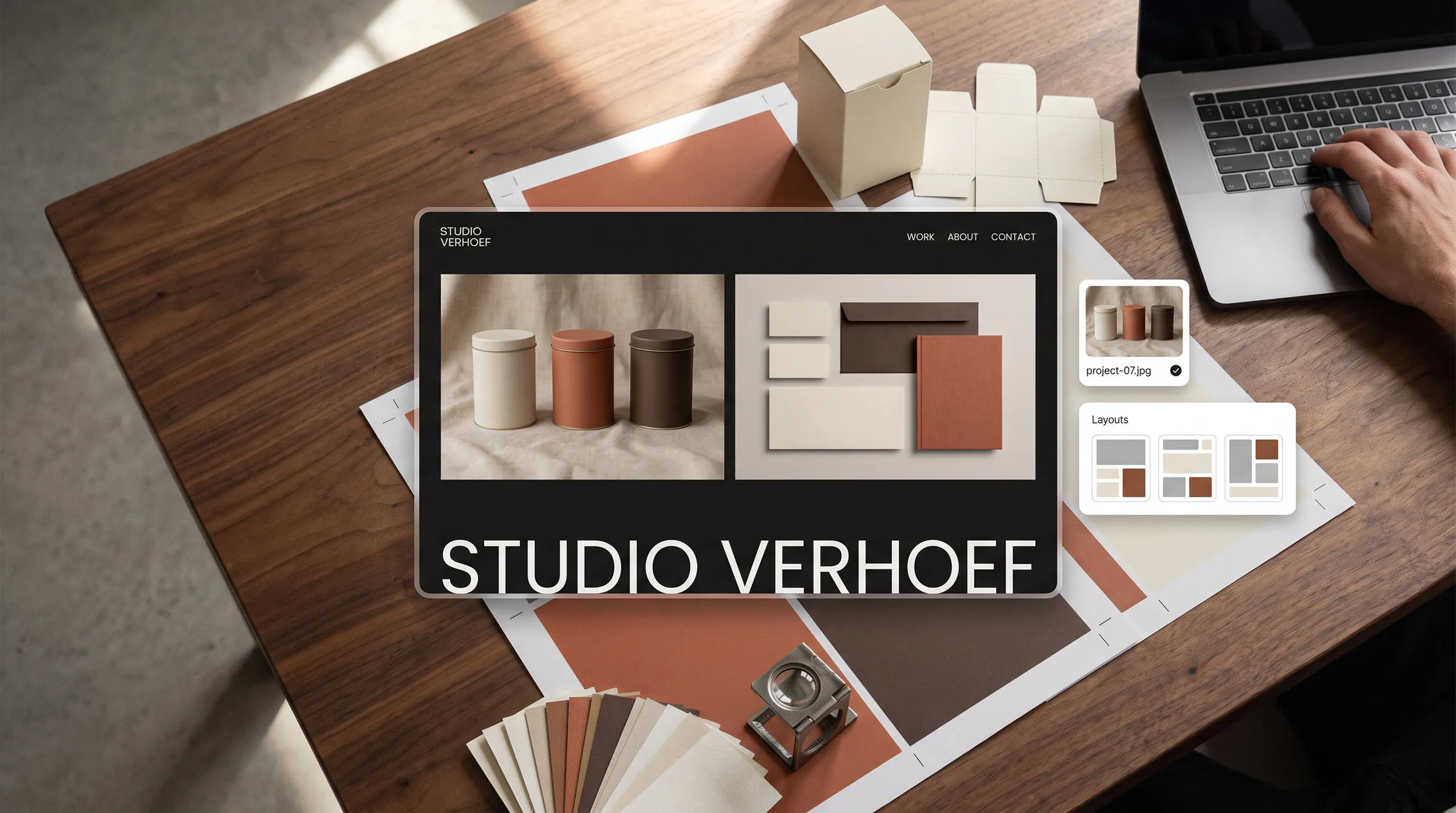
Show the work
Great for: Design studios · Photographers · Architects & illustrators